
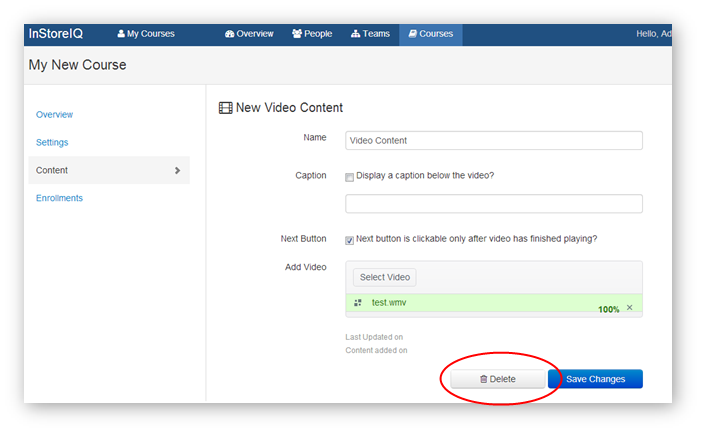
2. From the Content Edit screen, click the "Delete" button.
How Do I Delete Content From A Course?
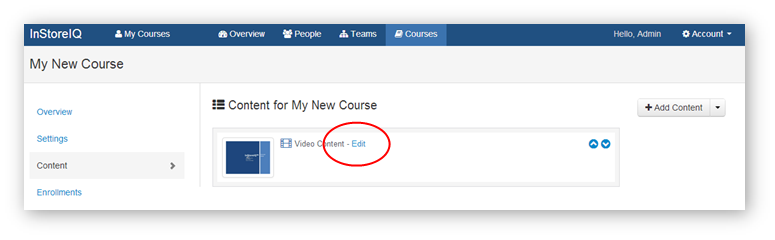
1. From the Course Content screen, click "Edit" next to the piece of content you want to delete.
2. From the Content Edit screen, click the "Delete" button.
2. From the Content Edit screen, click the "Delete" button.
Have more questions? Submit a request
Please sign in to leave a comment.
0 Comments